
ProfiLux – Making waves

Did you know you can create custom wave patterns with any 1-10V pump? Only ProfiLux with it´s unique current control can offer you the flexibility to create your own fully customized wave patterns! ProfiLux Controllers are capable of controlling current pumps or external filters in many ways. Create several simple and/or very complex current programs, including high/low tide, waves, surge, random or night mode settings. You can even synchronize these pump settings with other aquarium functions, such as: Illumination runs (sunrise/sunset or thunderstorm) Dosing intervals Feeding pause  and much more. Stream group features The current control is organized in groups, one group consists of one or several pumps. The settings can be made separately for each group and for each pump. With this Stream Group feature you can set the behavior of any 1-10V compatible pump. Whether you’re working with Tunze Streams®, Waveline® pumps, Red Dragon® pumps, or any 1-10V pump, you can control pump wave patterns…
Monitor, maintain, and control Alkalinity with ease

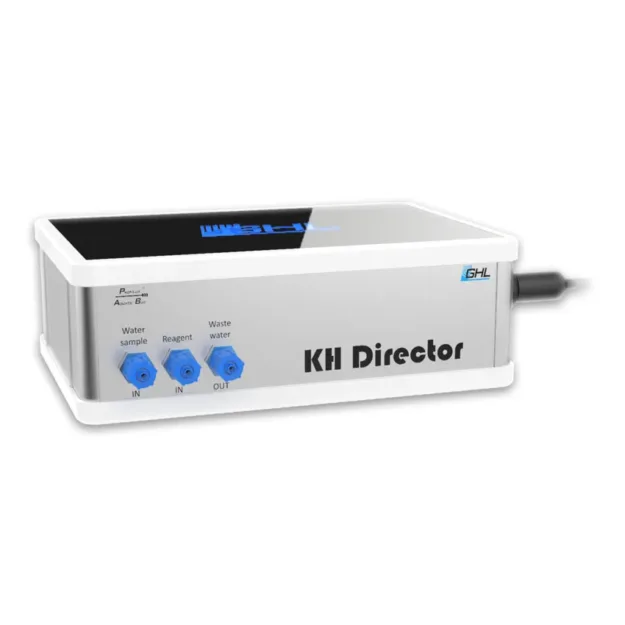
If you’re looking to achieve exceptional coral growing conditions, Alkalinity testing is a must! Keep it steady with the new GHL KH Director®. Get a first-hand look at the KH Director®, shown first at MACNA New Orleans! Fully control and automate Alkalinity supplementation like a PRO! Lab grade quality and precision, only the best for your reef. Features Fully automated control of Alkalinity/Carbonate hardness Lab grade quality and precision 0.1°dKH measurement value accuracy Measurement value data logging Compatible with ProfiLux 3, 4, and GHL Doser Data viewable on ProfiLux display, ProfiLux Touch, or myGHL; additional external display unit optional LED status display, myGHL cloud accessible (via GHL Doser or ProfiLux 3 or 4) The KH Director® is designed to work in conjunction with a GHL Doser 2 Standalone or a ProfiLux Aquarium Controller 3 or 4 with a Doser 2 Slave for operation. The 2 inlets and 1 outlet of…

GHL Doser 2.1 – Dosing made simple (Part 1)

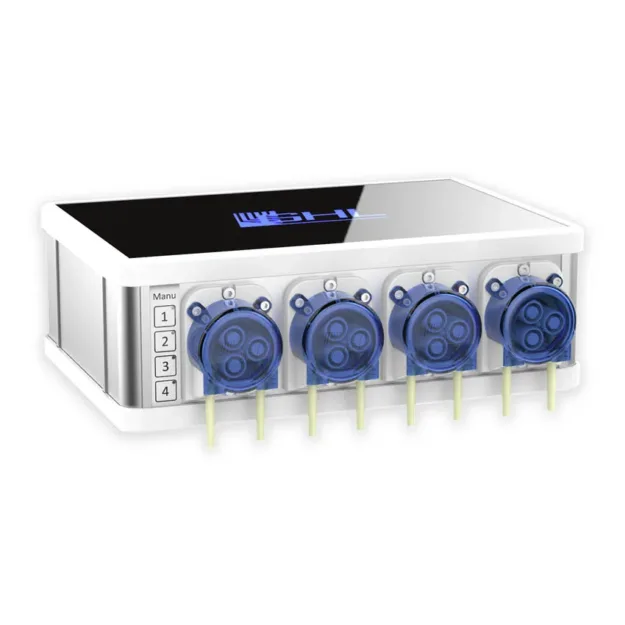
Did you know you can create a dose schedule in as little as 3 minutes?   With multiple ways to access your doser, we’ve made it easier than ever to create your own dosing schedule. Whether you connect via GHL Control Center, myGHL, or the app, you have an extensive list of dosing features at your fingertips!   Connection options Connect and access your doser anytime using our PC Software GHL Control Center, myGHL cloud service, and GHL app.   Dosing schedule setup via GHL Control Center The Doser 2.1 supports up to 16 dosing pumps, simply select an unused dosing pump channel and the settings page for that pump will be shown. A: Type-in what you’re dosing here. B: Select Automatically or Individually Automatically: Automatically spreads dosages throughout the day Individually: Allows you to specify times of day to dose each time C: (Automatically) Type-in dosings per day and…