

GHL Control Center (GCC) is the Windows-based software for users who prefer working with a classic desktop application. It provides the same comprehensive configuration options found in GHL Connect — simply presented in a different layout and workflow that many technical and professional users value.
GHL Connect remains the primary platform for everyday operation, offering access through mobile apps, web browsers, and the myGHL cloud. GCC complements this by giving Windows users an alternative environment that feels familiar, structured, and well suited for detailed configuration work.
Whether you use GHL Connect, GCC, or both: the capabilities are almost identical. You choose the interface that fits your personal workflow.
GHL Control Center is compatible with these devices:
- ProfiLux Light (WiFi)
- ProfiLux Mini (WiFi)
- ProfiLux 3 (starting with firmware 6.00)
- ProfiLux 4 / 4e
- Mitras LX6 / LX7
- Mitras Lightbar 1 – 3
- GHL Doser 2.x (Maxi)
- GHL Doser 3 (Maxi)
Functions:
- Change settings
- Start actions: Waterchange, Feedpause, Maintenance, Thunderstorm
- View actual states and values
- Perform Firmware-Updates
- Display measurement data
- Backup and restore settings
- Calibrate sensors
Depending on the device, you can connect to your PC using LAN, WiFi, USB, or a serial interface.
GHL Control Center is compatible with Windows Vista, 7, 8, 10, and 11. A native Mac version is not available, but the software can be used on macOS through Parallels or similar virtualization solutions.
Controllers from the ProfiLux II-series can also be connected to your PC. You will need our software ProfiLux Control, which is available free from the download area. Also here, you can comfortably set all functions.
Features
The GHL Control Center offers many ways to set your GHL devices.
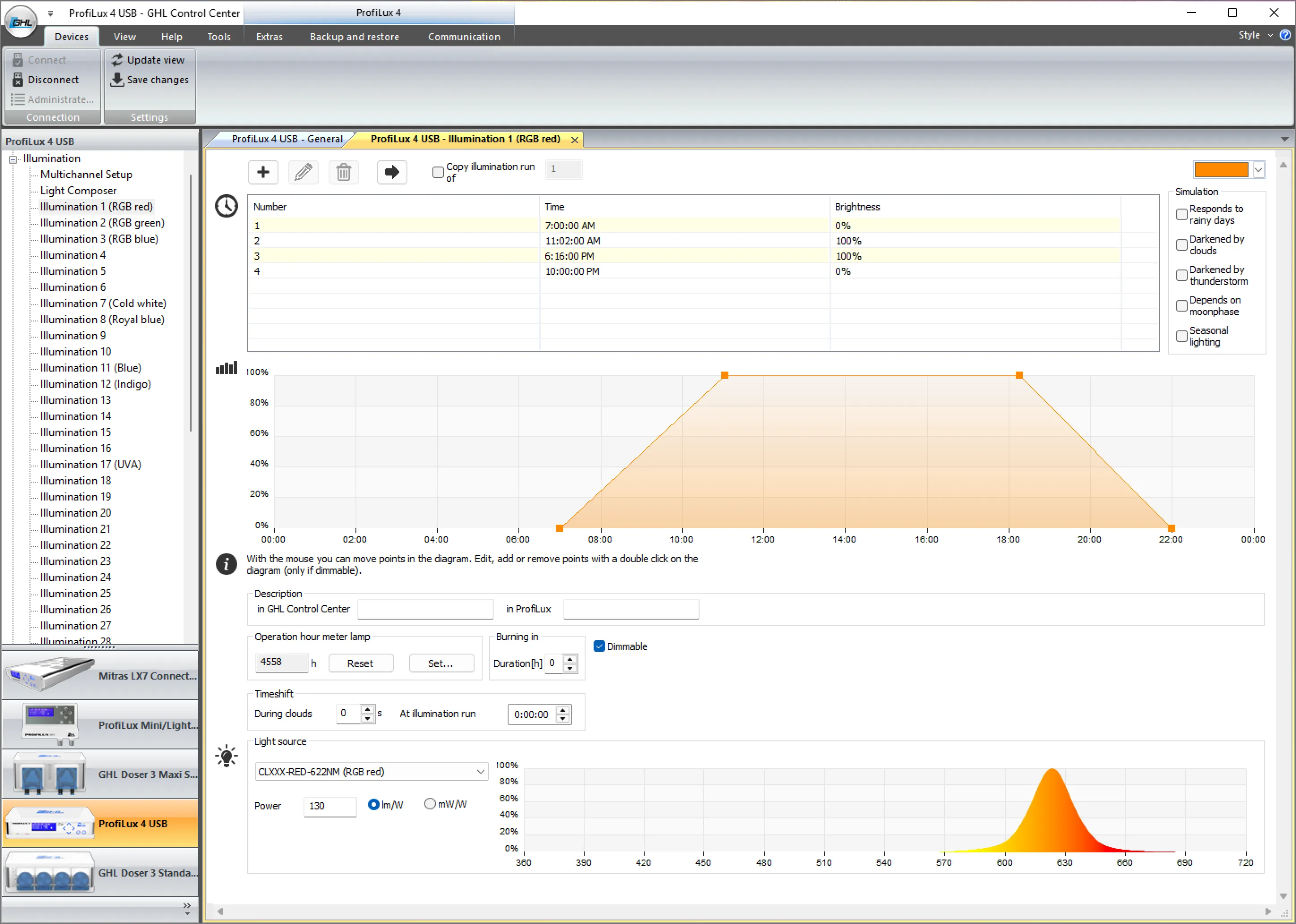
Adjust illumination settings.
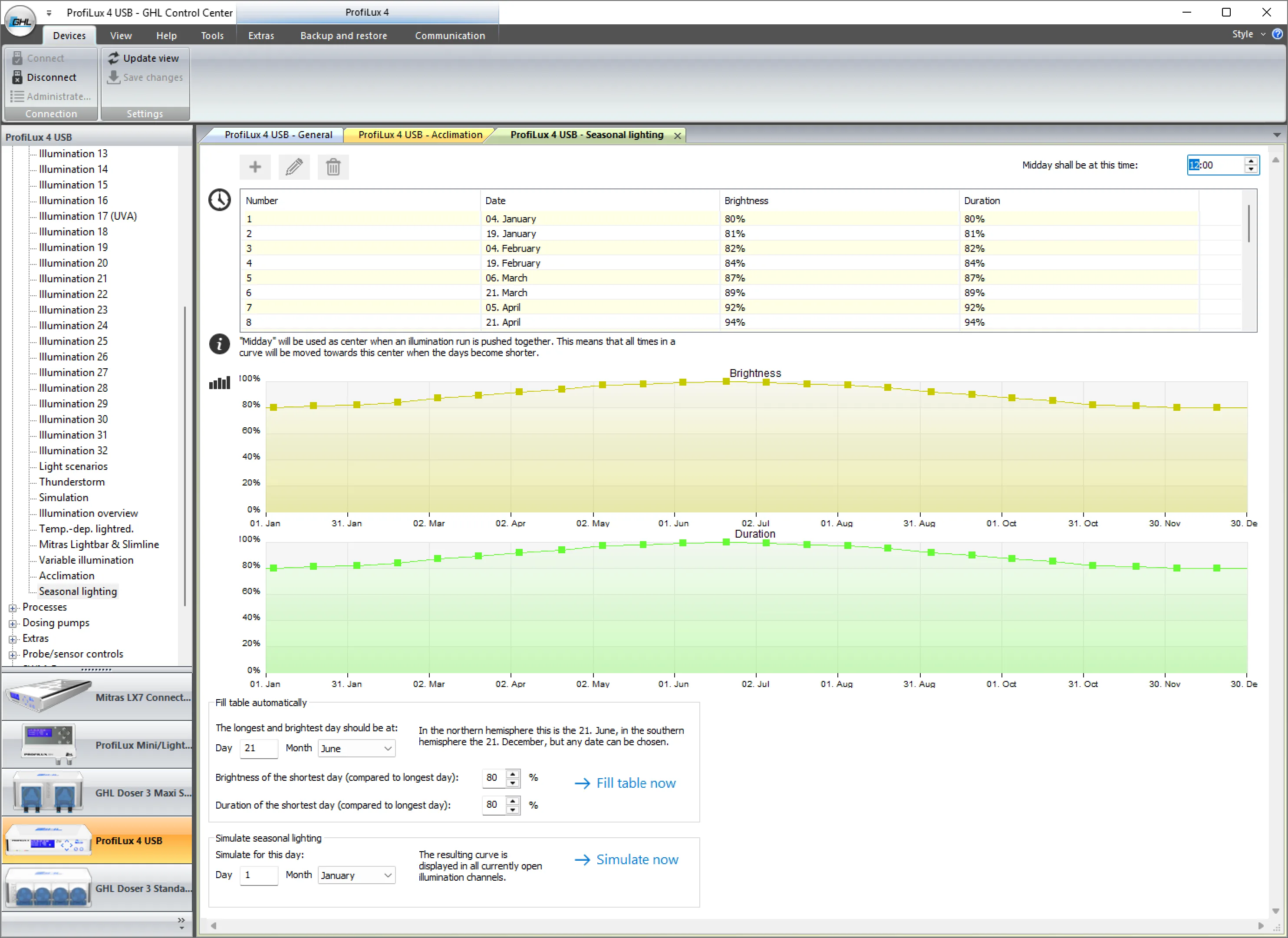
Configure advanced features, including seasonal lighting simulations.
Light Composer
GHL Control Center includes the Light Composer, a powerful and unique tool for creating even the most complex illumination schedules.
Light Composer projects can be saved, imported, exported, and shared with other users.
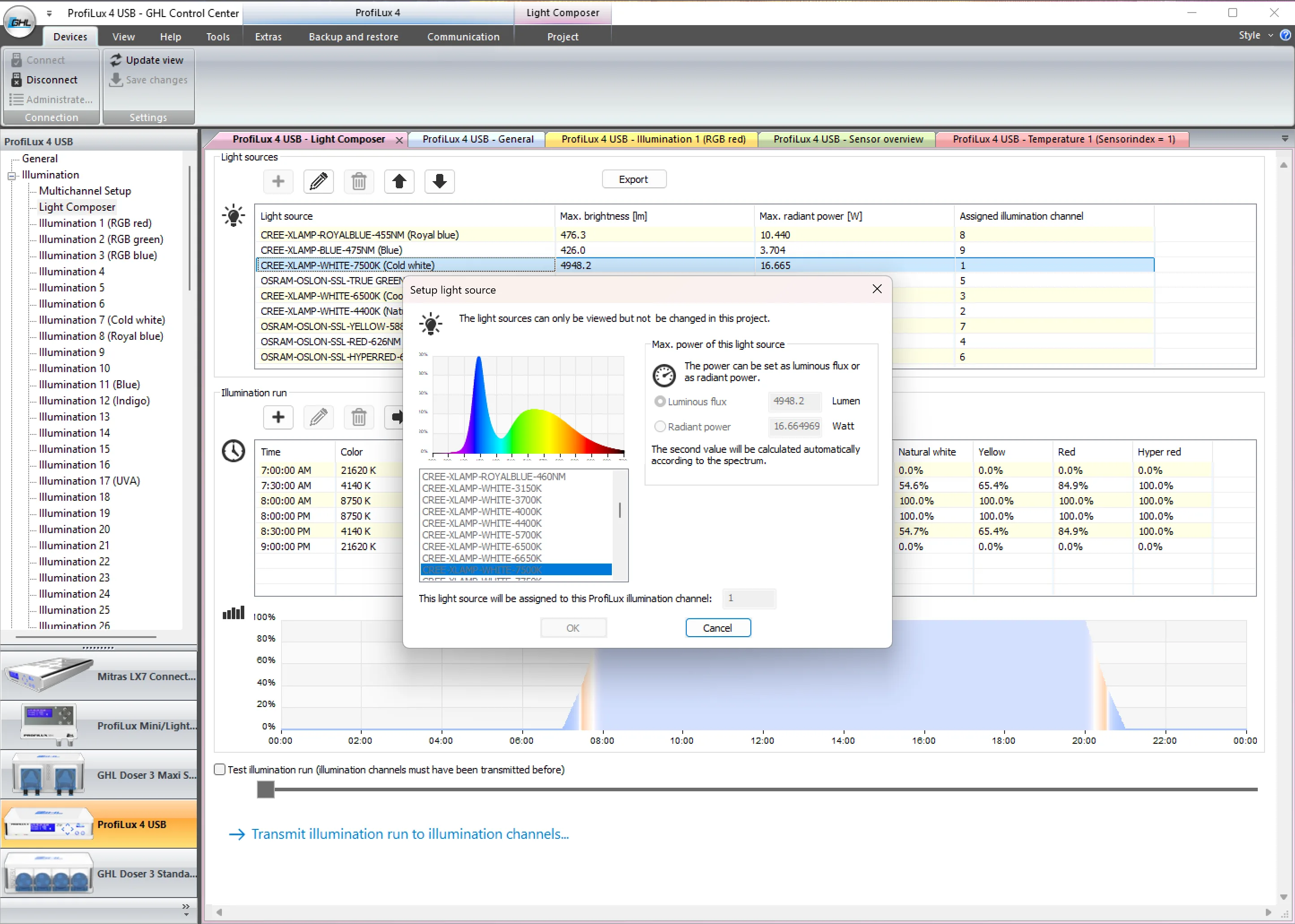
Comfortably set individual simple or very complex illumination runs.
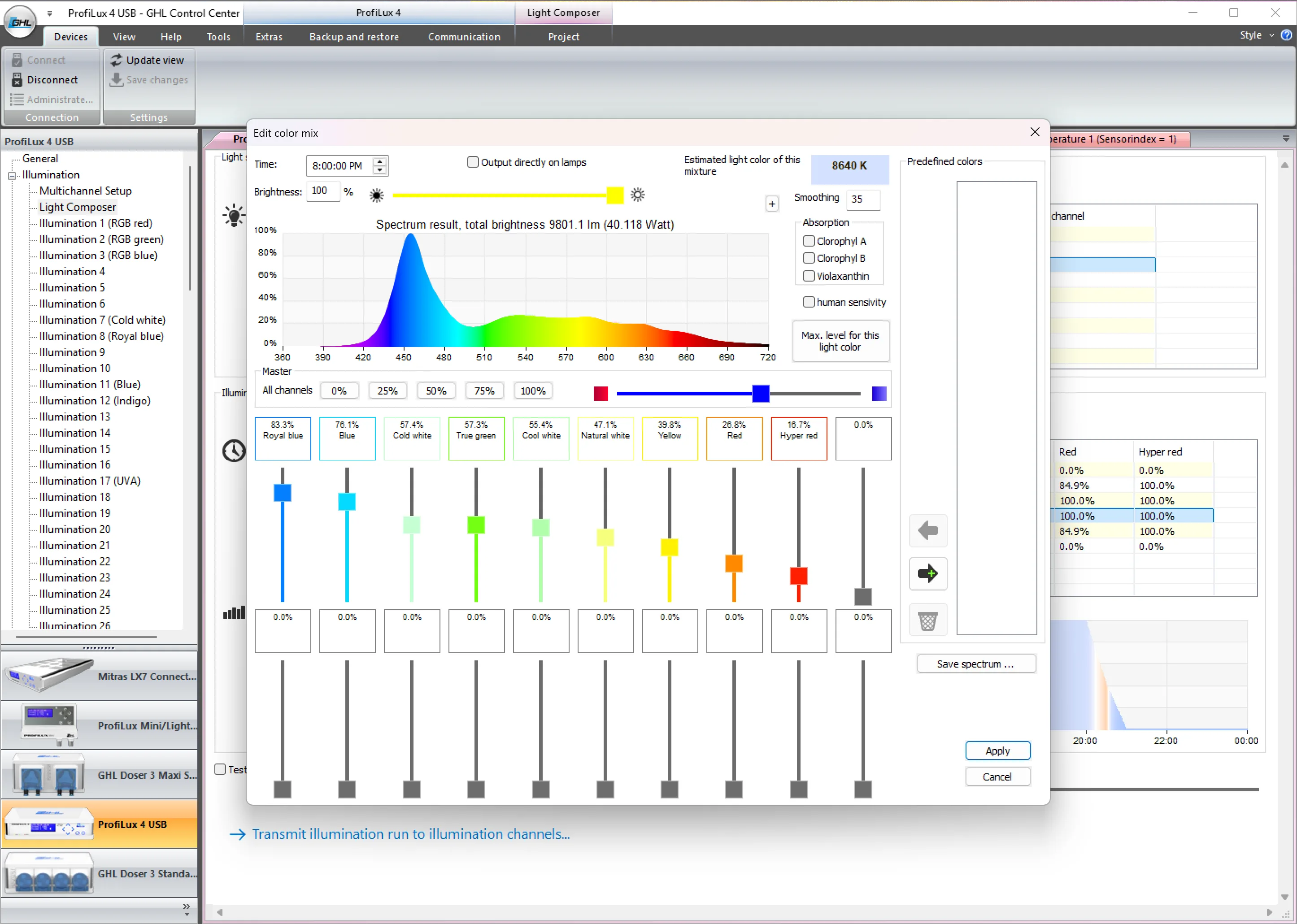
Display the adjusted spectrum on a live graph.
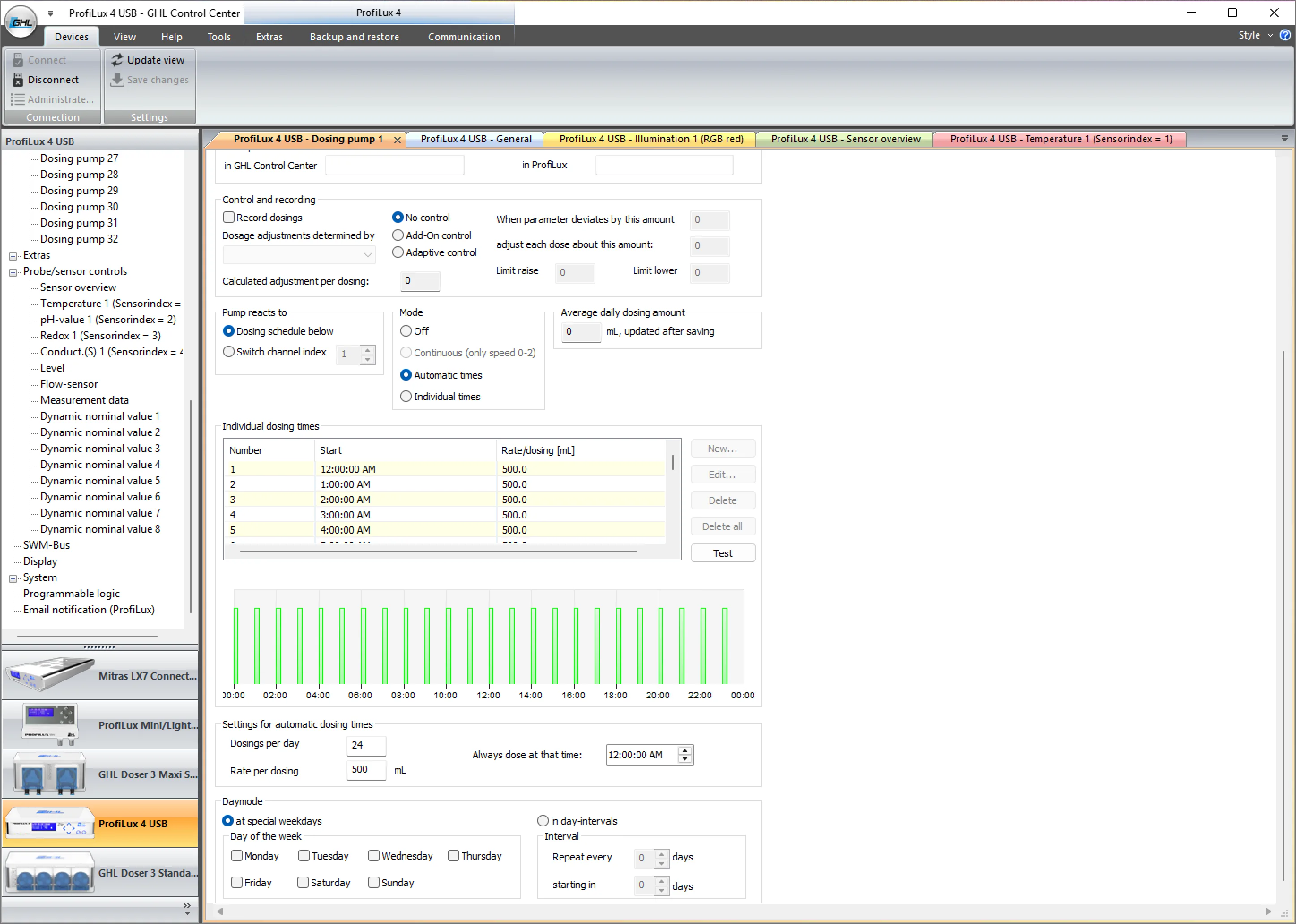
Define precise dosing schedules.
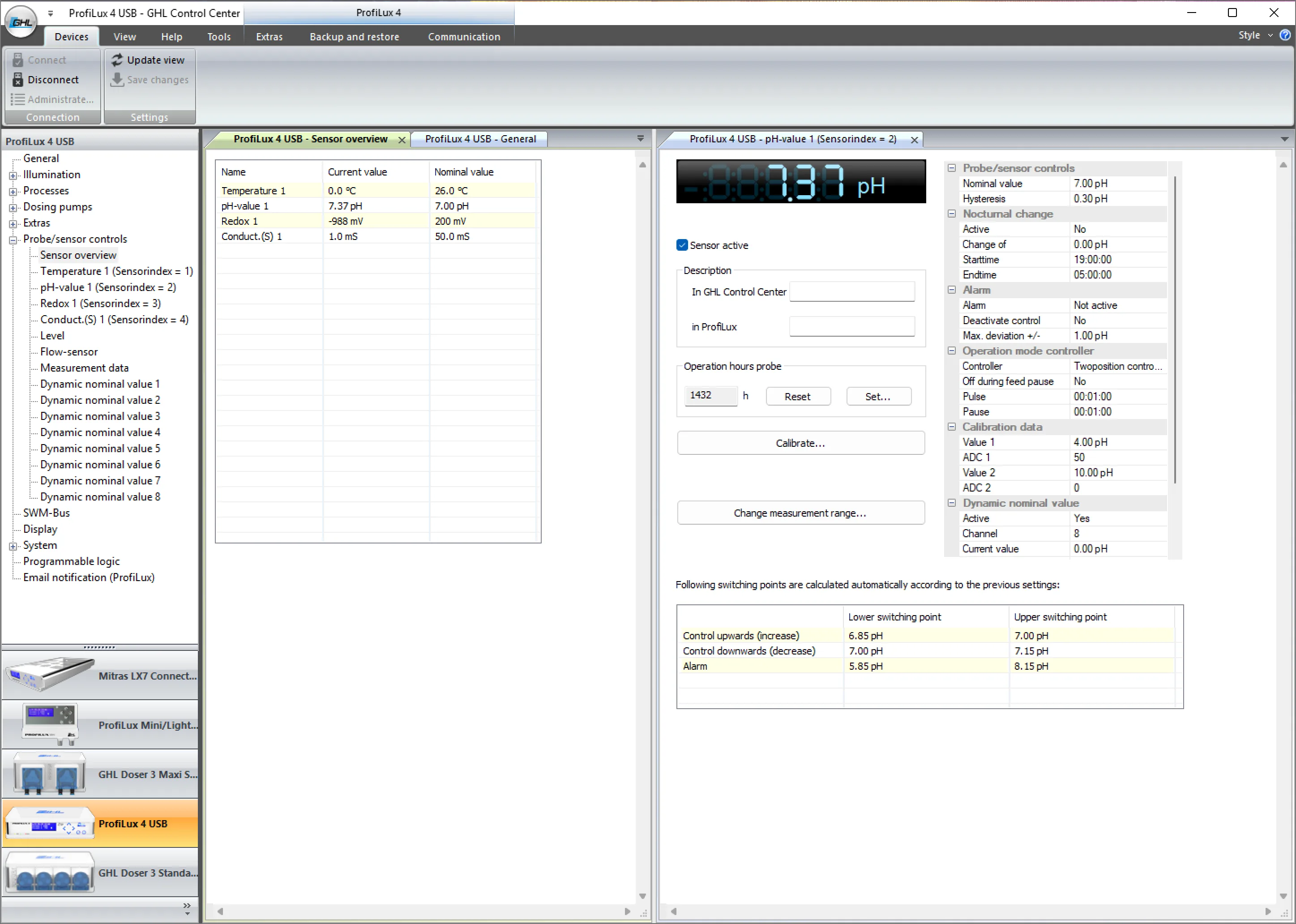
Manage your sensors.
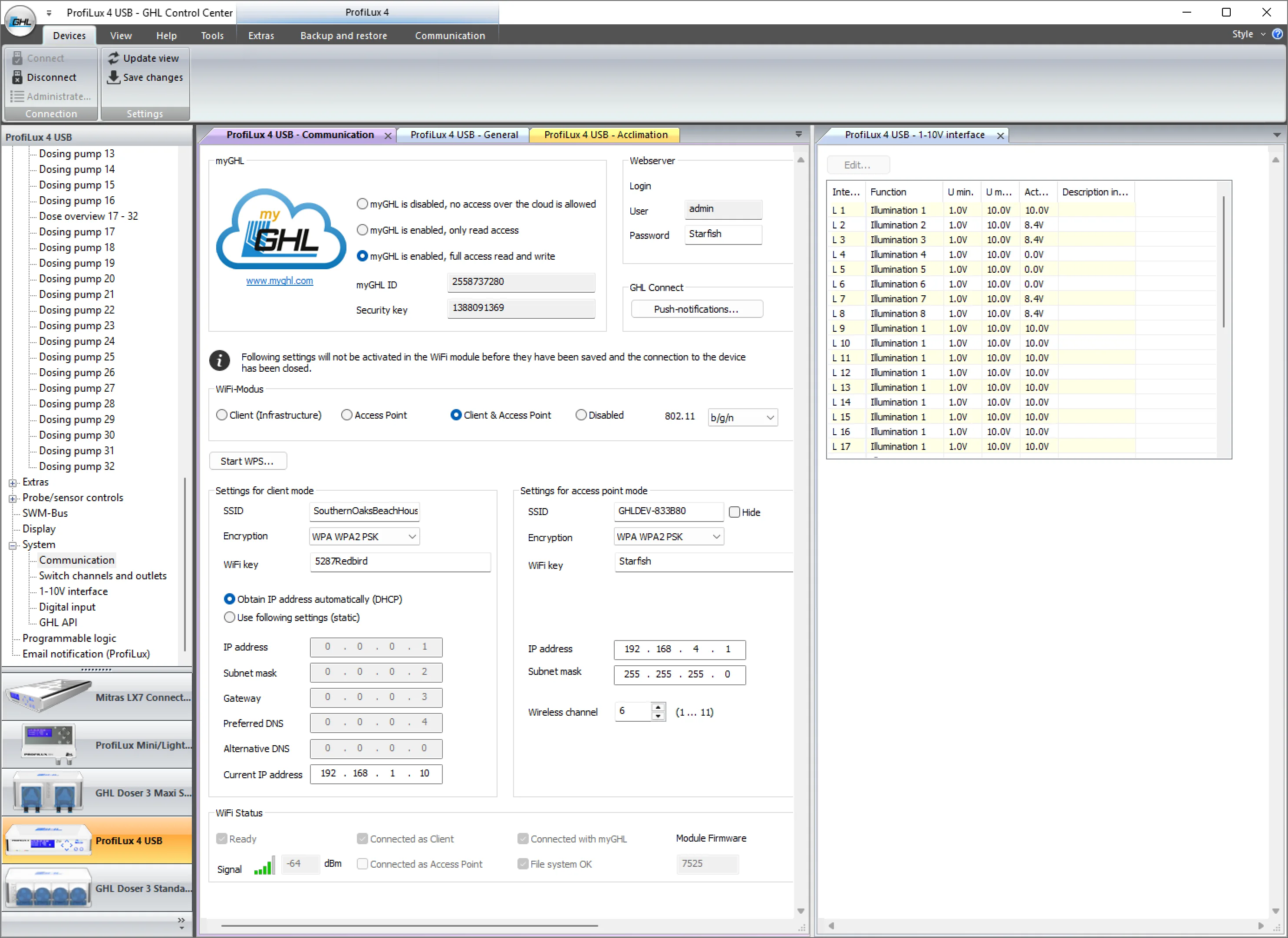
Set up your system.
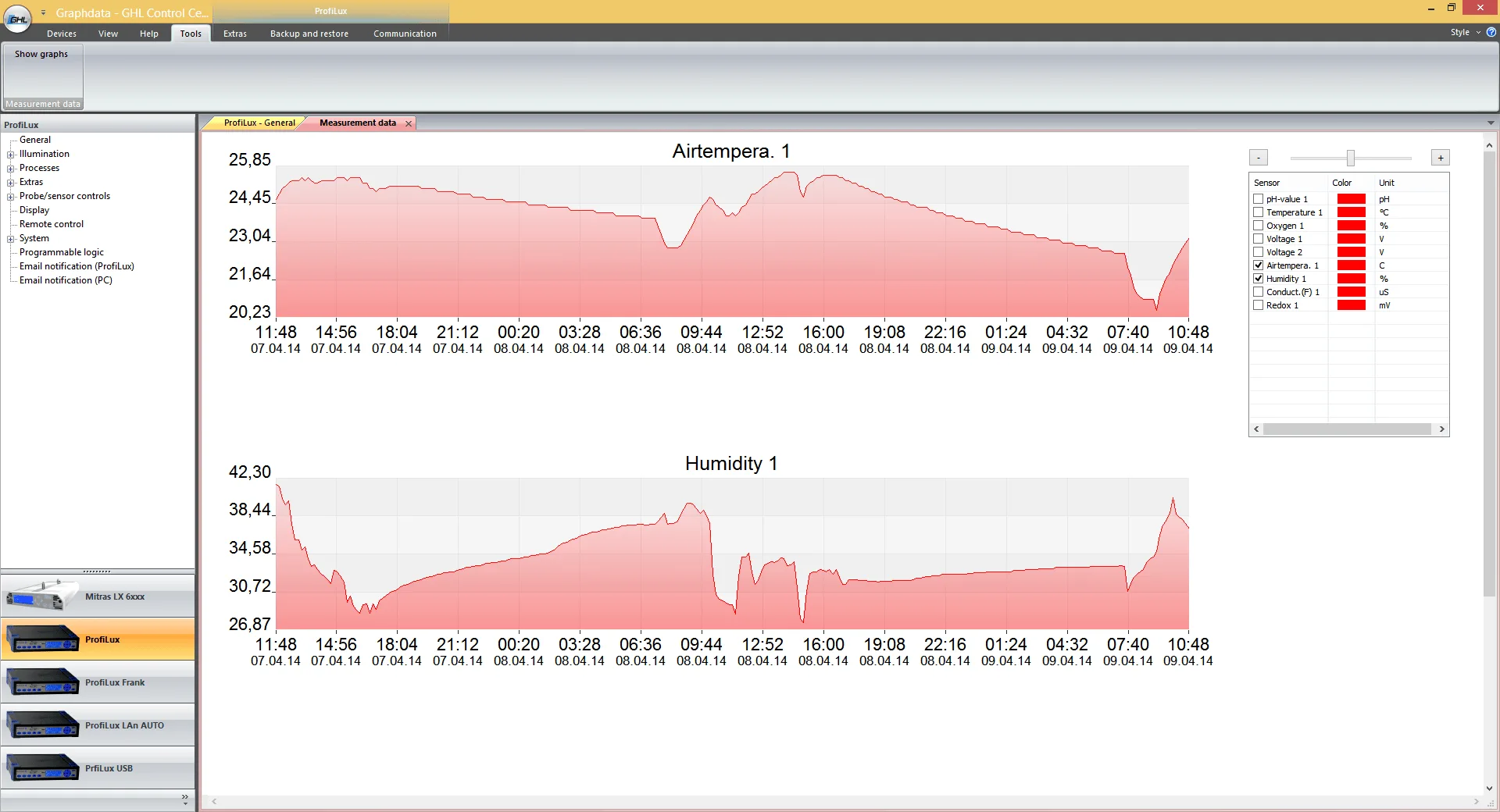
View and analyze your measurement data.
Last updated on: December 6, 2025